MONITORING ALERTS
Send alerts to people who can act
An alert is only useful when it reaches someone who can review it and decide what to do. ostr.io supports email and SMS notifications, with contact lists that can include multiple addresses and phone numbers.
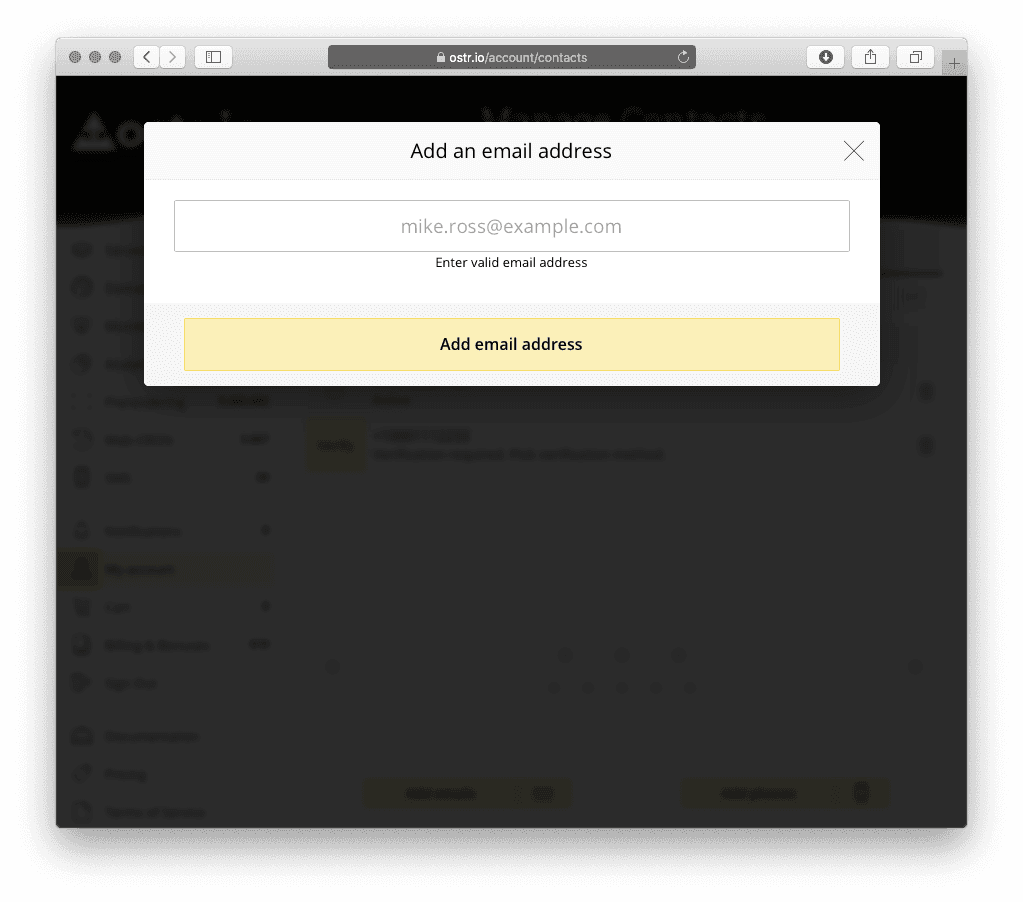
Alert channels
Choose the right channel for the signal
Monitoring alerts are email, SMS, and web push notifications that tell a responsible person a monitored website or domain signal changed, so they can review it and decide what to do. ostr.io routes alerts to the contacts you assign, and the alert history for a domain or endpoint is recorded in your ostr.io account for later review.
Email and SMS each suit different situations. Email carries context: the URL, the signal, the time, and a record you can forward and act on. SMS is for the moments when an inbox delay is risky, such as a customer-facing outage or an approaching certificate or domain expiry. Most small businesses use both: email for everything, SMS for the few signals that genuinely cannot wait.
| Channel | Best for |
|---|---|
| Context, records, and most signals; multiple verified addresses per account | |
| SMS | Time-sensitive, customer-facing signals; credits purchased separately |
| Web push | Browser and PWA alerts on supported browsers |
| Multiple recipients | Owner awareness plus a technical responder; multiple verified addresses and phone numbers per account |
usage metering
Free WebSec domain signals stay the baseline; HTTP(S) checks and SMS are metered.
A recipient pattern that holds up
The goal is to make sure at least one person who sees an alert can act on it. A simple, durable pattern:
- Owner or operations mailbox - for awareness and follow-through on every signal.
- Technical maintainer - for hosting, app, CDN, DNS, or release review.
- DNS or certificate owner - for signals that point to routing or trust.
Assign recipients per the kind of signal rather than sending everything to one inbox. A website alert should reach whoever can inspect the site; a DNS, certificate, or domain monitoring alert should reach whoever can talk to the provider.
For small-business monitoring, the best alert setup is usually layered rather than loud. Put the broad awareness address on every signal, then add a named responder for the systems they can actually inspect. That way a domain owner is not expected to debug a CDN issue, and a developer is not the only person who notices a renewal reminder.
That last example is worth making concrete, because the delivery layer is the one most often missing from a recipient list. If a CDN or edge platform serves your pages, someone on the list should have access to it - otherwise a website alert reaches people who can only look at the application behind it. Bridge CDN, from the same company as ostr.io and currently in development, is one platform of that kind; whichever you use, name its owner alongside the DNS and certificate contacts.
| Signal type | Primary responder | Backup context |
|---|---|---|
| Website response or content change | Site owner or technical maintainer | Recent deployments, hosting, CDN, form provider |
| DNS record change | DNS owner or provider contact | Approved migration, mail provider, verification record |
| WHOIS or registration change | Domain owner or registrar admin | Registrar account, renewal owner, contact history |
| SSL/TLS expiration reminder | Certificate owner, host, or platform admin | Issuer account, automated renewal status, deployment path |
This also improves the quality of the alert history. When every alert has a responsible person and a short follow-up note, the next incident starts with evidence instead of memory.
recipient pattern
Each signal reaches someone who can act, with a backup and an escalation path.
How alerts fit the workflow
A signal is detected
A monitored website or domain signal changes and is recorded by ostr.io.Recipients are notified
The people you assigned receive the alert by email and, where you chose it, SMS.Someone reviews it
A responsible person compares the signal with expected work and decides what to check.Action and record
The right provider acts where needed, and the outcome is recorded for next time.
When an alert lands, follow the matching guide: how to respond to a DNS change alert, respond to an SSL expiration alert, or review the domain monitoring checklist or website monitoring checklist.
HTTP(S)
Status, timing, output, and Content-Type checks.
WEBSEC
WHOIS, DNS, SSL/TLS, and renewal reminders.
ROUTE
Email and SMS routes for people who can investigate.
What to record after an alert
Keep the post-alert note short enough that people will actually write it. See the domain monitoring checklist for the ownership details that make post-alert review fast. Record the monitored asset, the signal, the time, whether the change was expected, who checked it, and what action was taken. A two-line record is often enough:
DNS MX record changed on example.com; expected mail-provider migration; confirmed by owner.Checkout response slowed; matched payment-provider issue; no DNS or certificate change observed.
The record matters because many future alerts are not new mysteries. They are repeats of provider work, renewals, deployments, or configuration changes that someone already understood once. Good notes make the second review faster.
Frequently asked questions
Can I add more than one recipient?
Yes. A contact list can include multiple email addresses and phone numbers, so awareness and technical response can go to different people.
Is SMS required?
No. Email covers most needs; add SMS only for the signals where an inbox delay is risky. SMS credits are not included in base plans and are purchased separately as a pay-as-you-go add-on.
What do alerts contain?
Alerts identify the monitored signal that changed so a responsible person can investigate. They do not diagnose the cause.
Who should receive domain monitoring alerts?
Send domain alerts to the person who can sign in to the registrar or DNS provider through a trusted route, plus a backup who understands renewal and certificate ownership.
How should a small business reduce alert noise?
Start with customer-facing website endpoints and critical domain signals, then assign only the recipients who can act. Review noisy alerts and narrow the monitored asset or channel rather than ignoring them.
Set up alerts on ostr.io
Add your recipients, choose email and SMS per signal, and route each alert to someone who can act.
domain-protection.info is an official monitoring information property by ostr.io. About this site